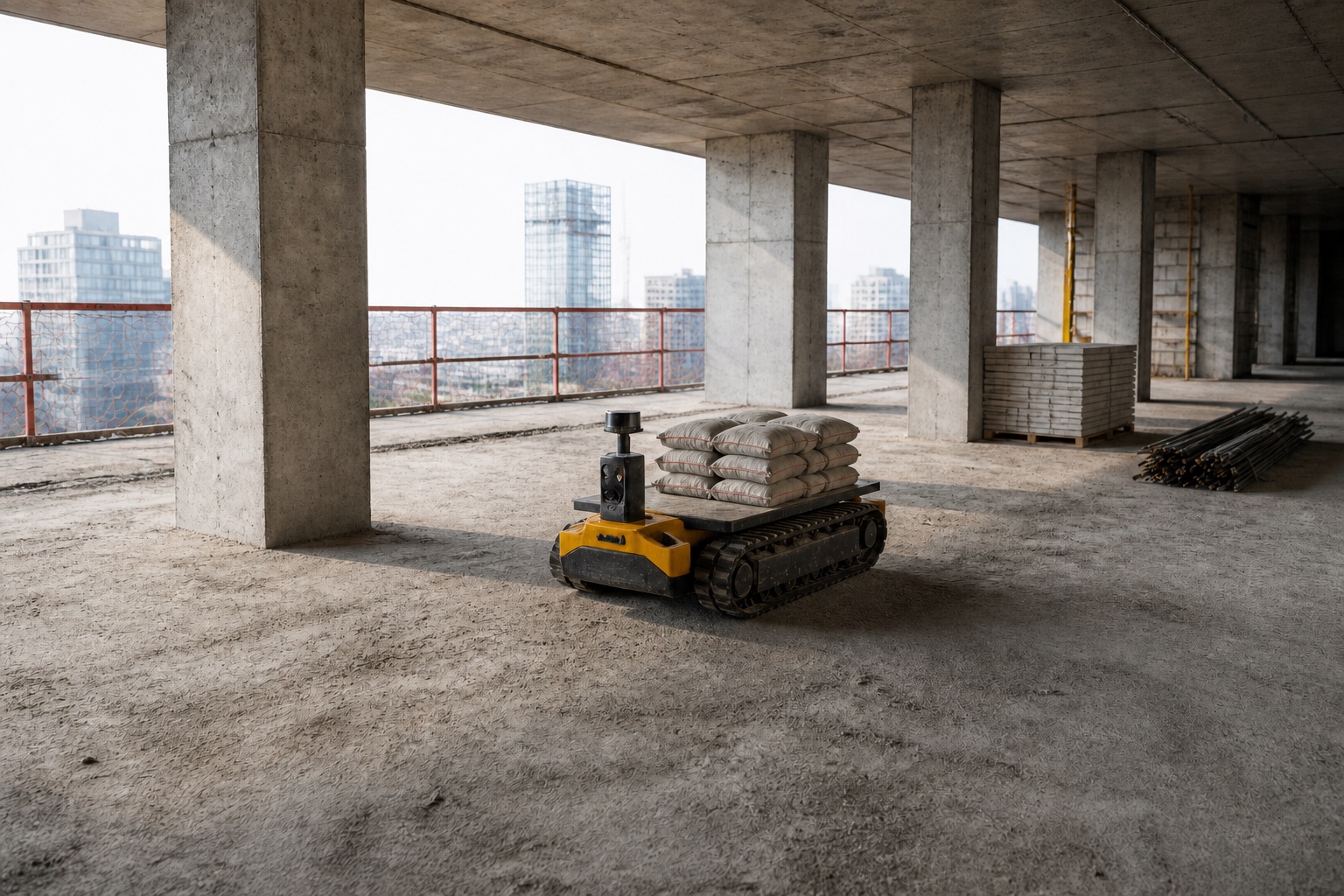
Scan the site once. Test every release there.
Scan a site with a phone. Get it back as a photoreal digital twin in Isaac Sim, MuJoCo or Gazebo, ready for situations that haven’t happened yet.

Scan your site.
Objects found. Every object in the video, detected and outlined.
Pick what to simulate. Choose what your robot touches. The rest stays as static scene.
Sim-ready assets. Each one rebuilt with a clean mesh, collision hulls, mass and friction. See sample assets →
Placed in your simulator. Every asset back where it stood, ready in Isaac Sim, MuJoCo or Gazebo.
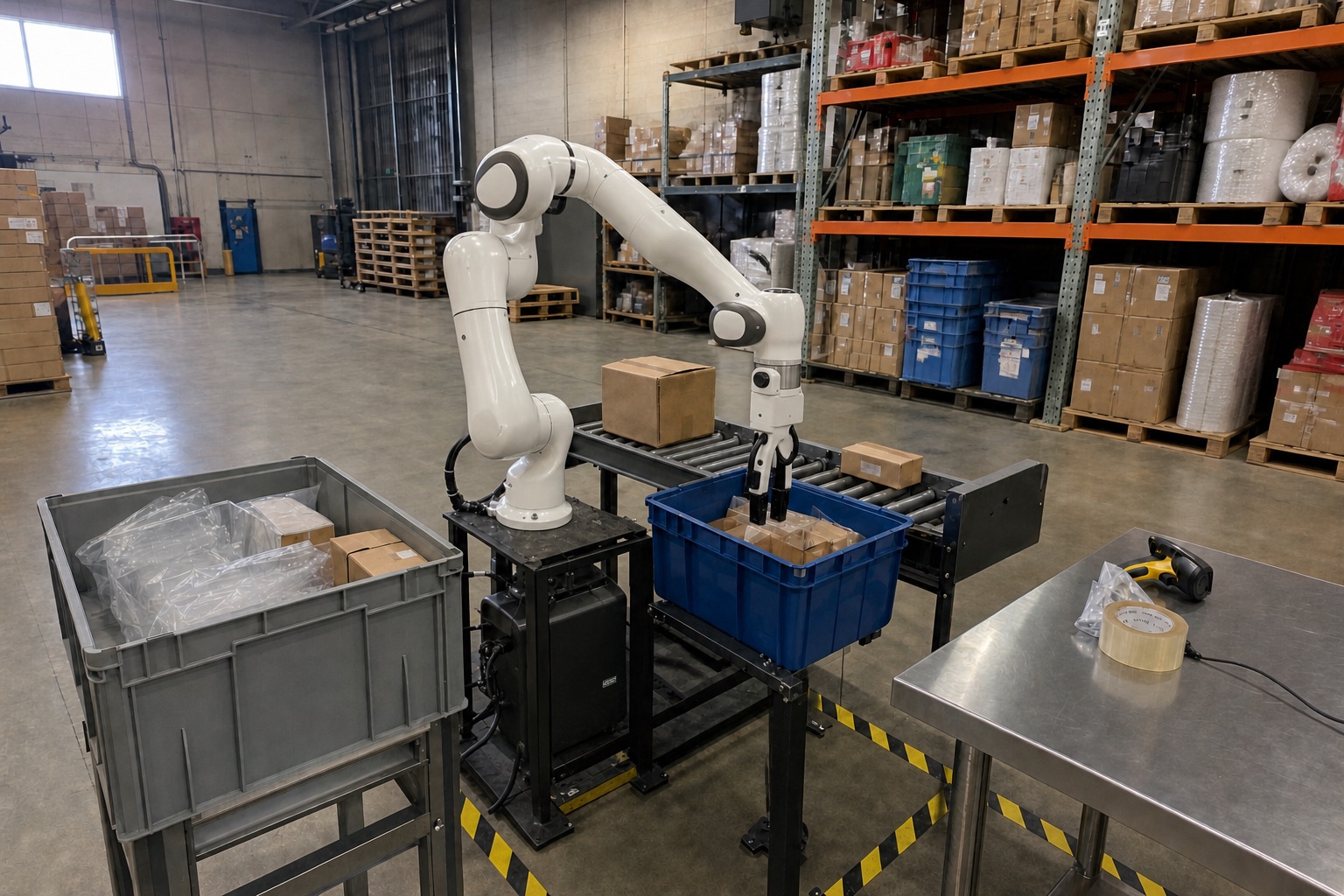
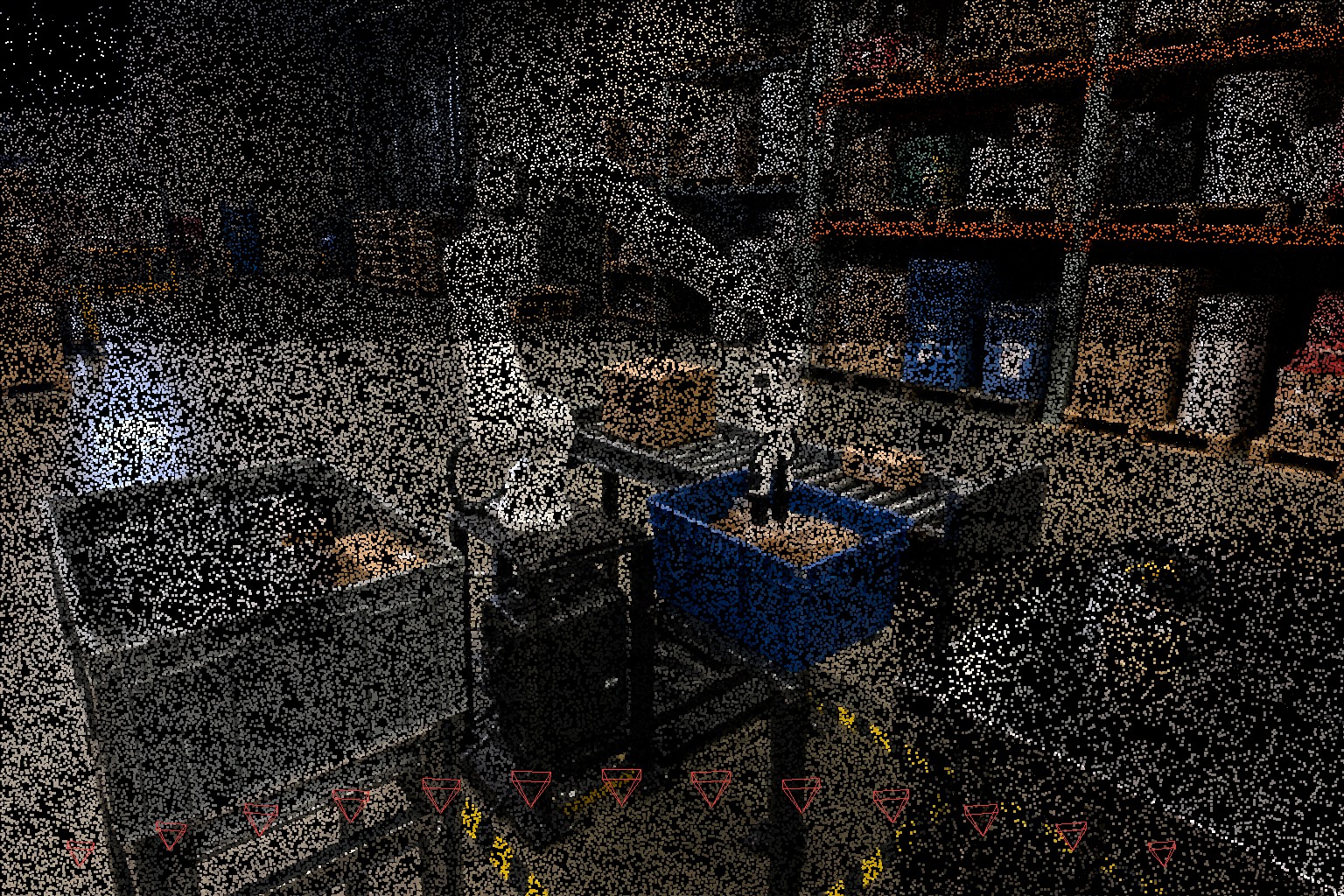
 Isaac Sim

 OpenUSD MJCF · URDF · SDF
 Then make it
look real.
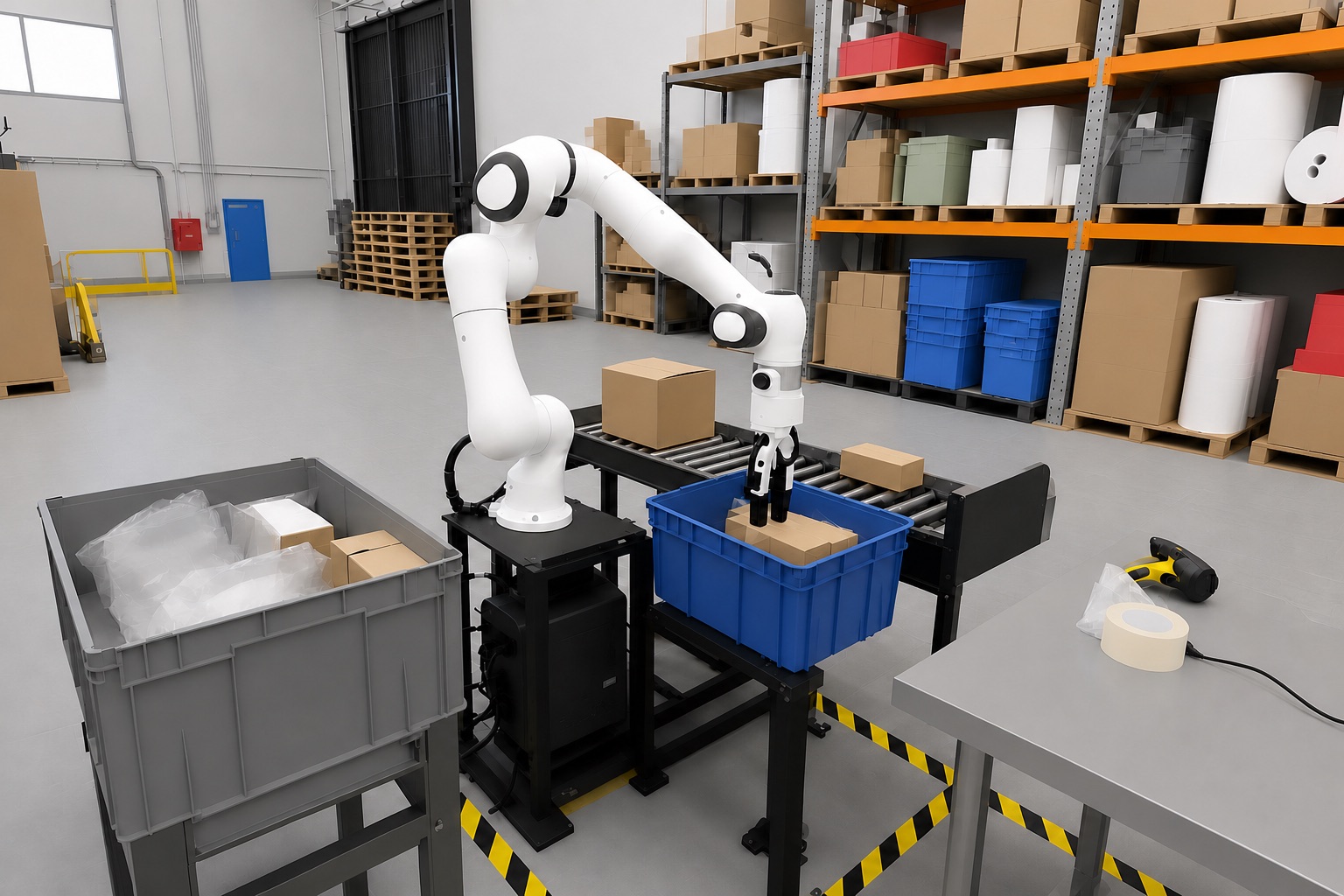
Your physics engine runs the scene. Augmentic renders what the robot's camera would see.
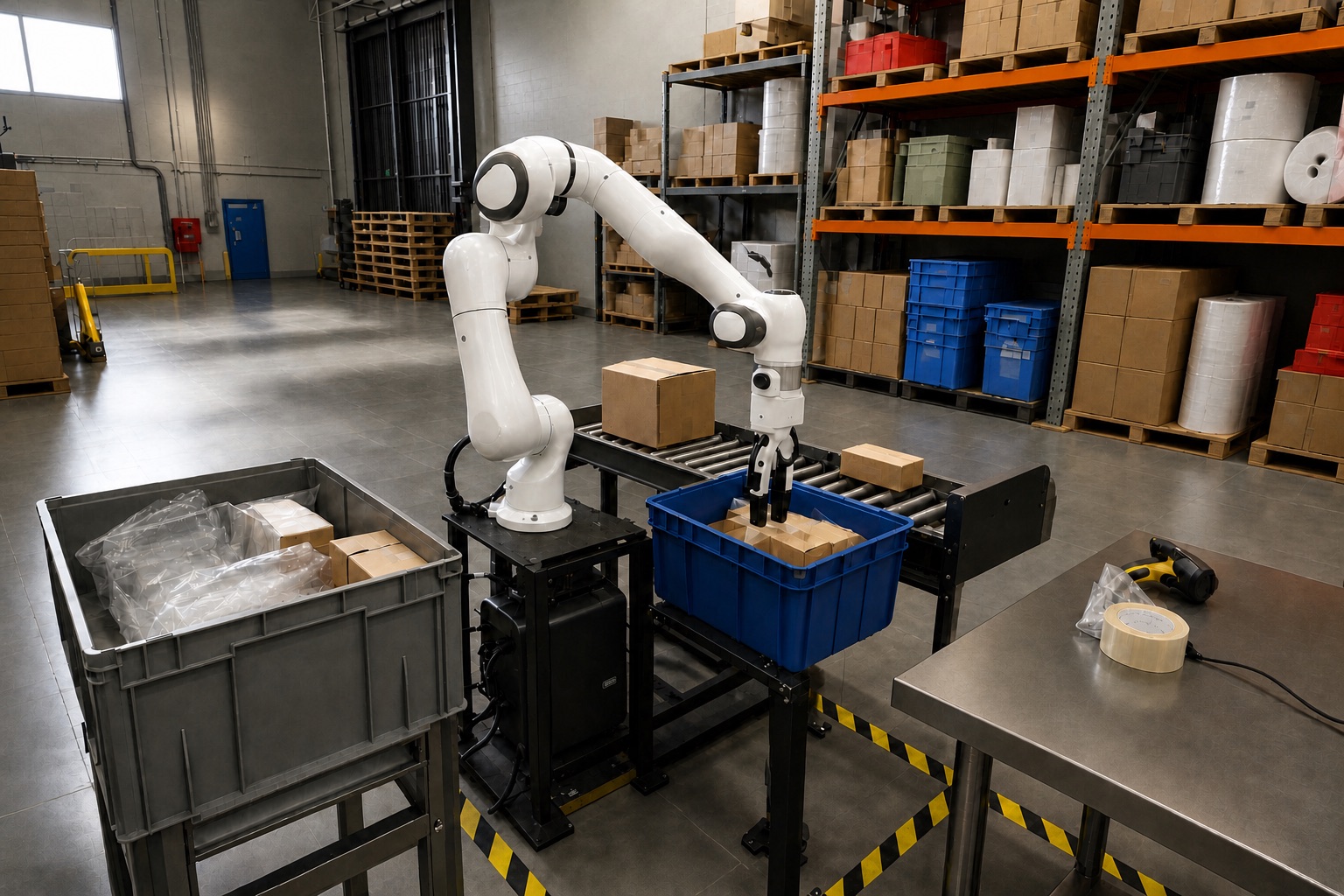 Isaac Sim renderAugmentic render
 Same site. Any light.
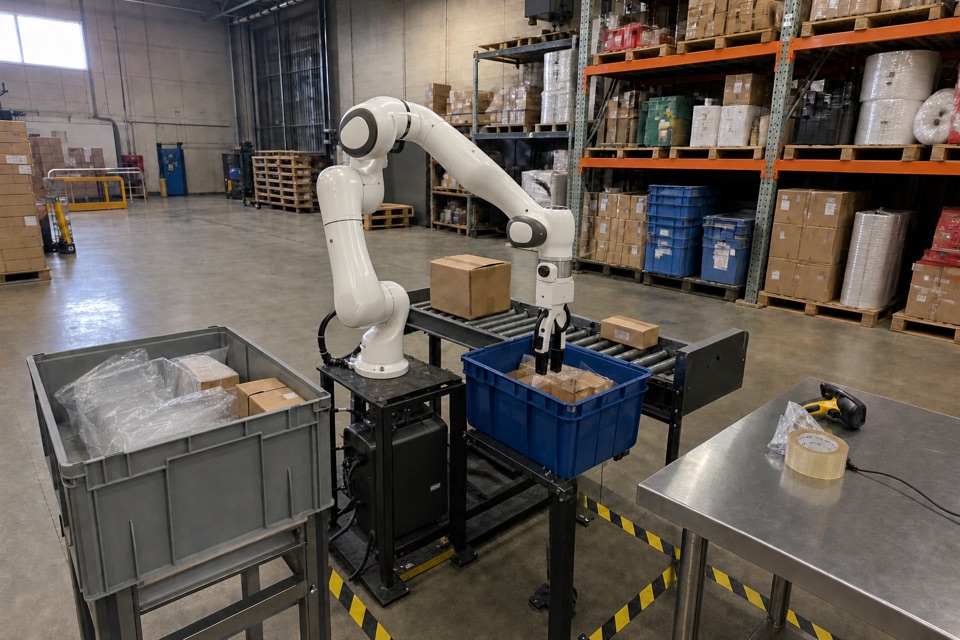
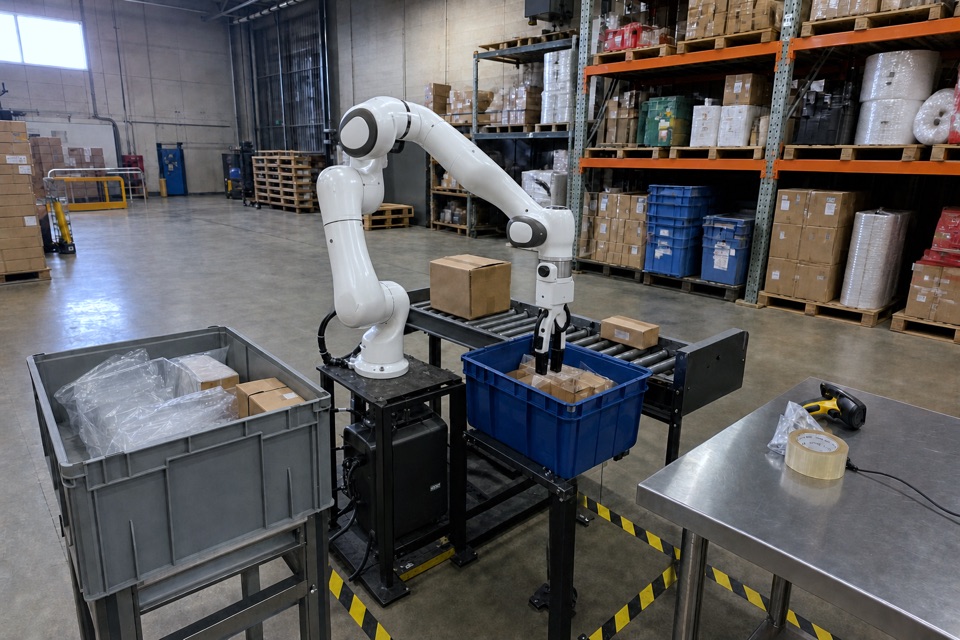
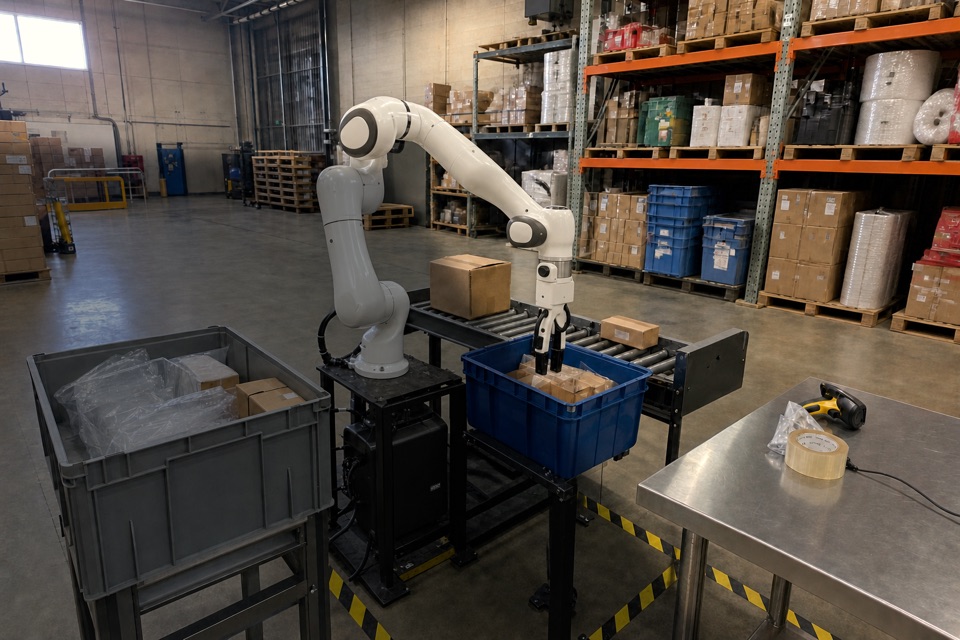
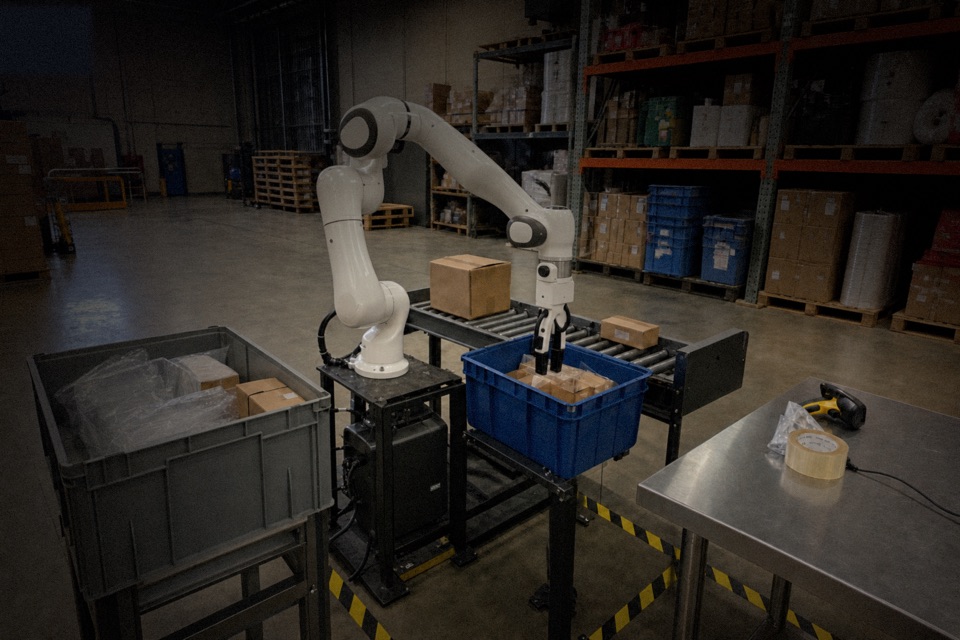
Every failure becomes a test.
Then we make it harder.
Connect your robots’ logs. Every release gets tested against your real bad days, and the ones that haven’t happened yet.
- 1
Find every failure
Including the quiet ones nobody flagged.
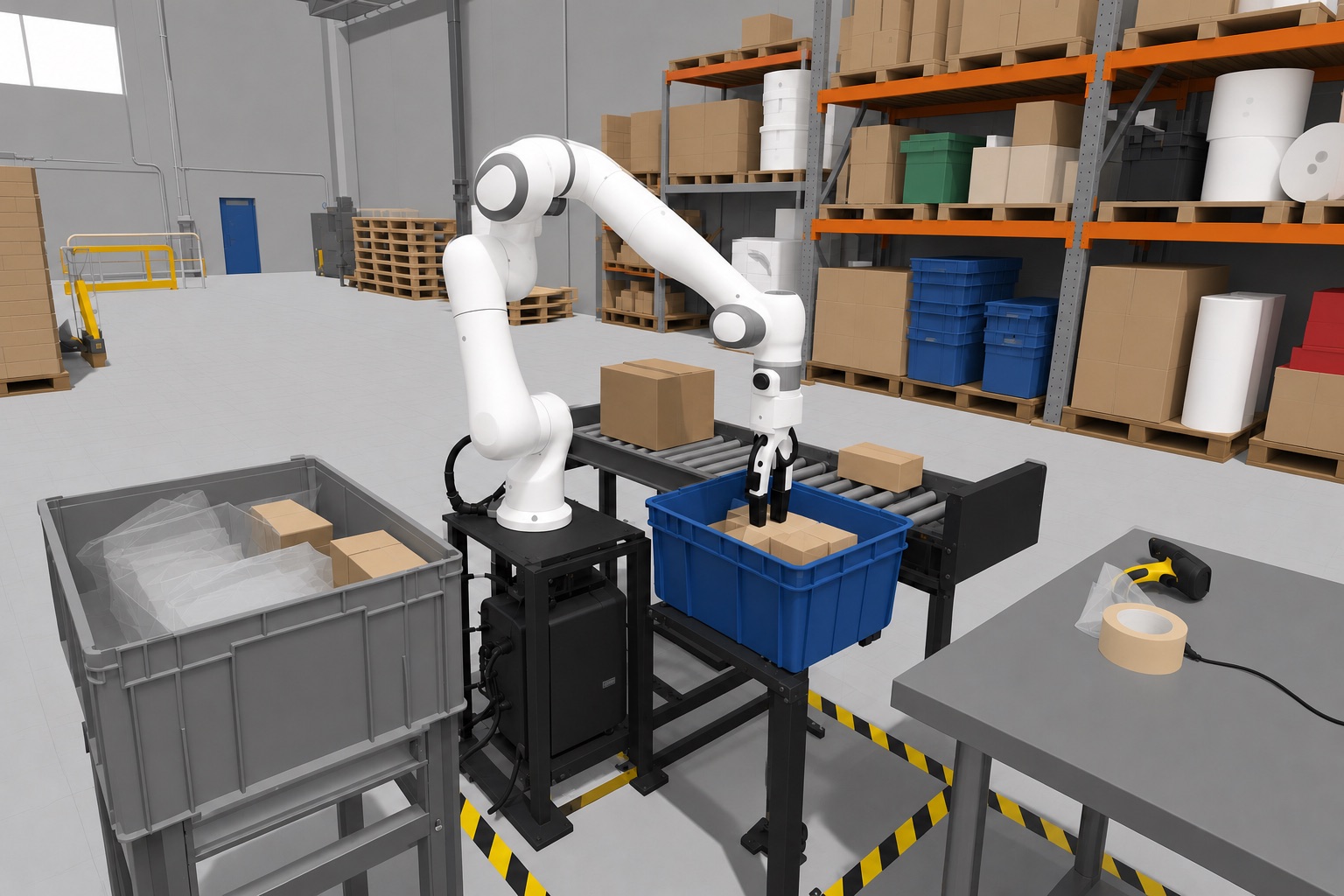
Gripper retried 3× before it heldWaited 4 s for a tote already in placeCarton placed 3 cm off the mark - 2
Replay it as a test
The exact moment, rerun in sim on every release.
- 3
Make it harder
New situations added straight into the robot’s cameras. No new 3D assets.
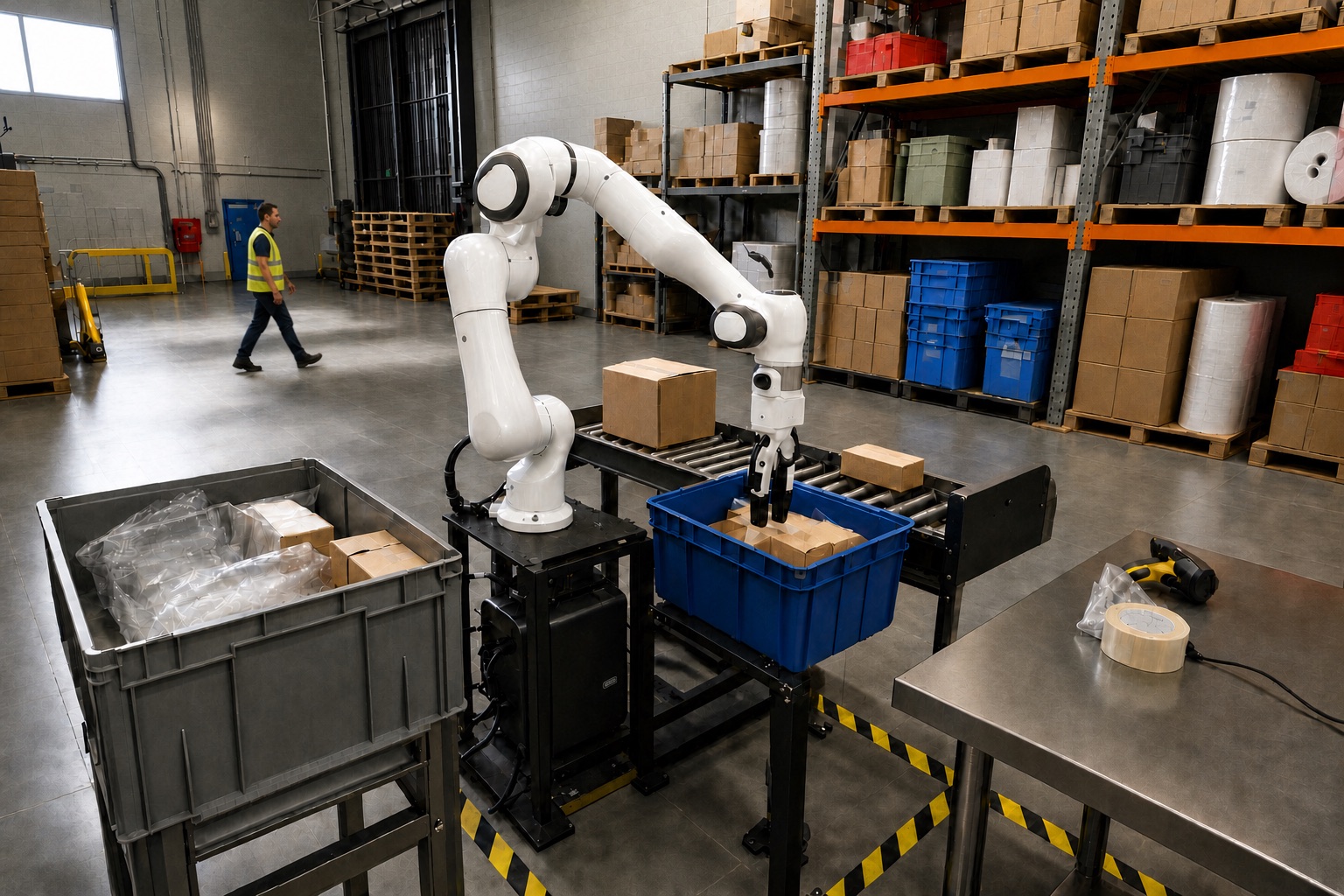
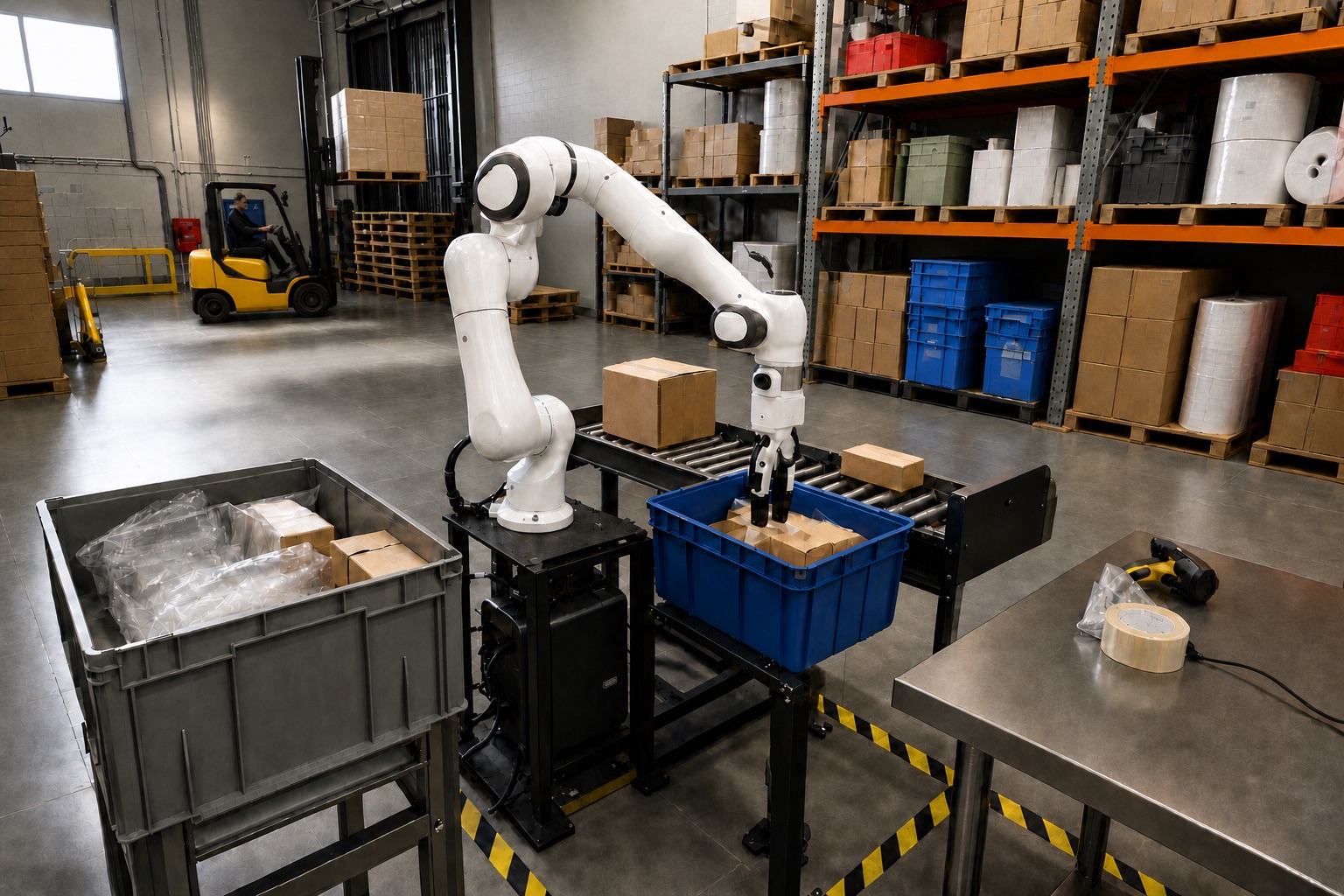
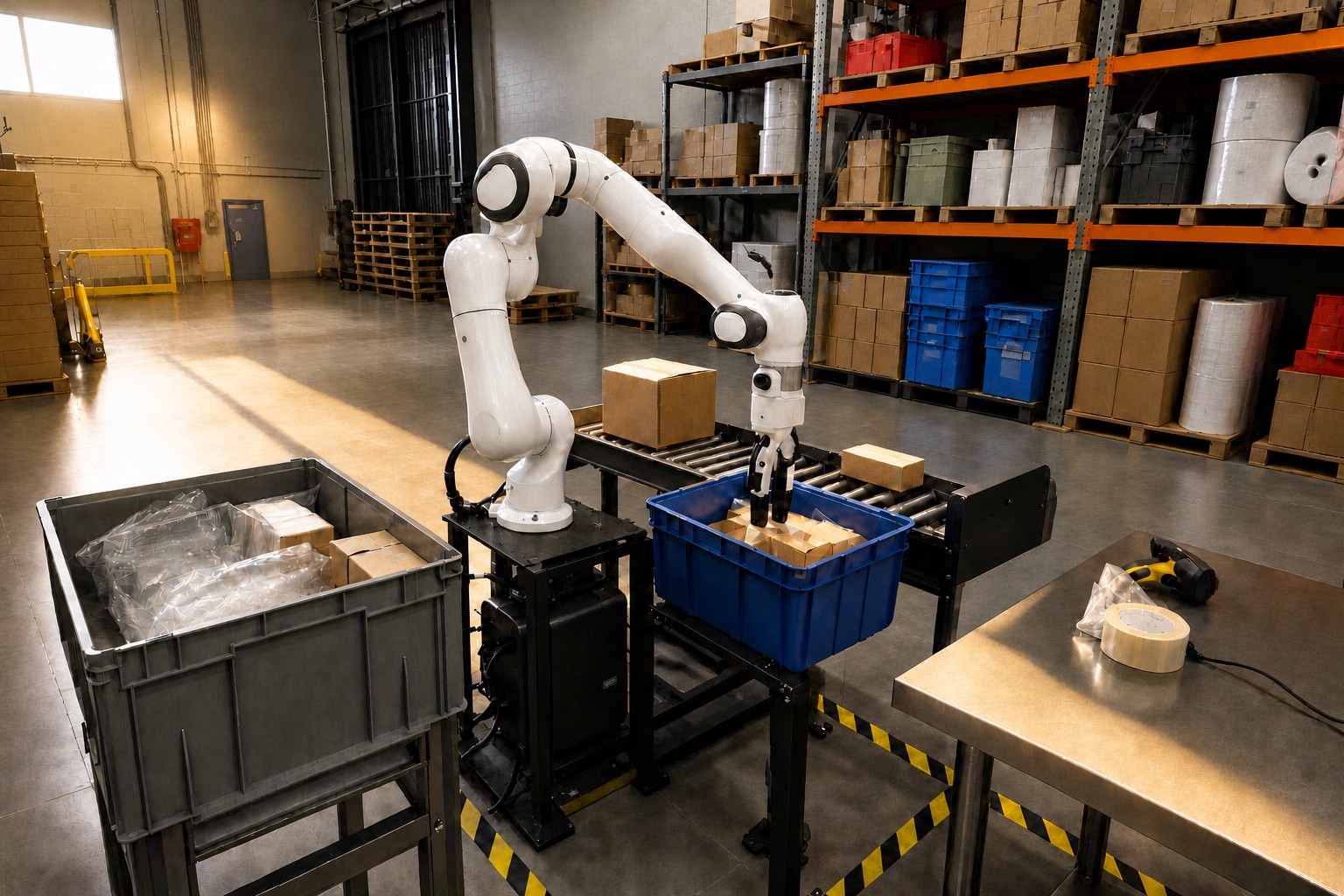
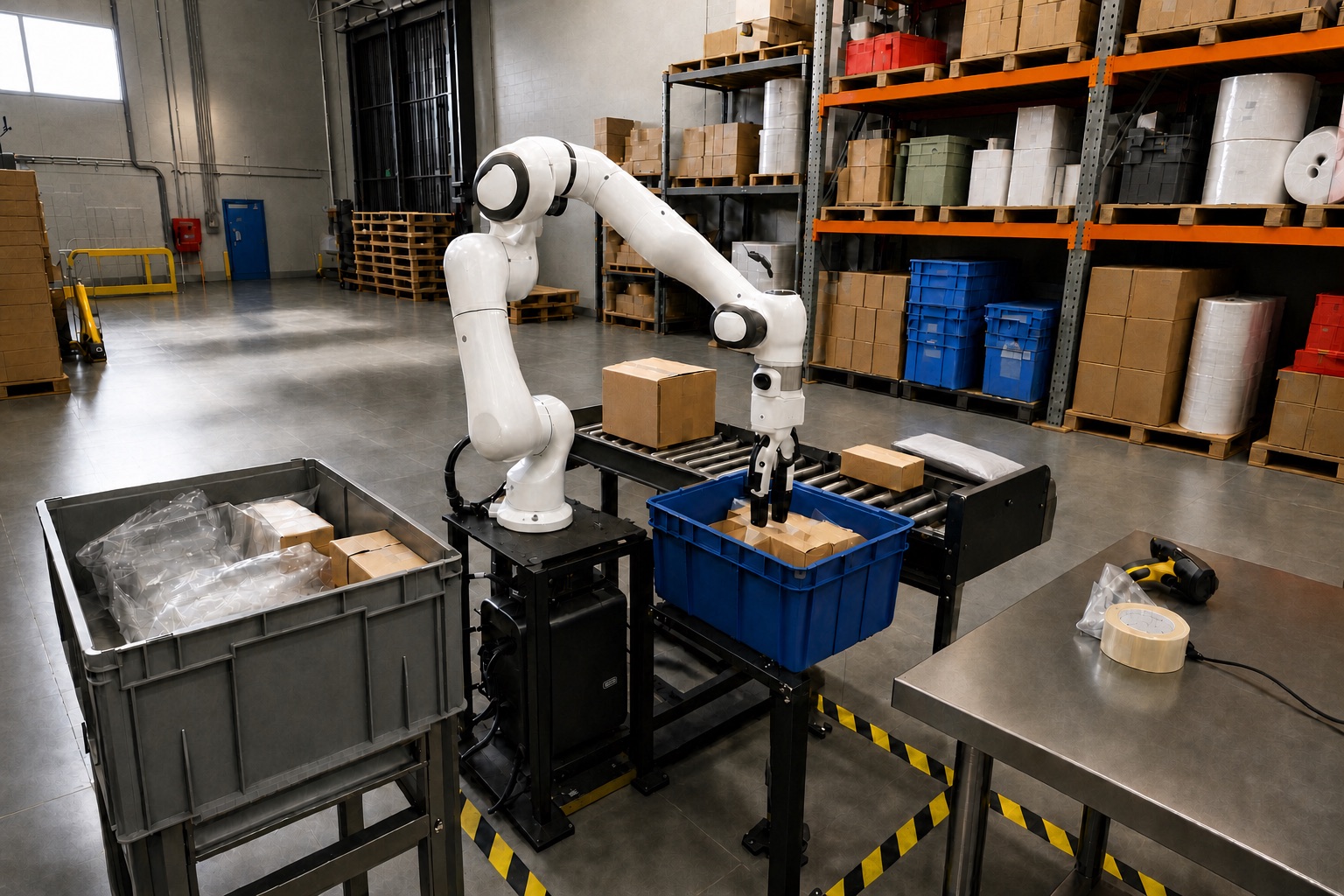
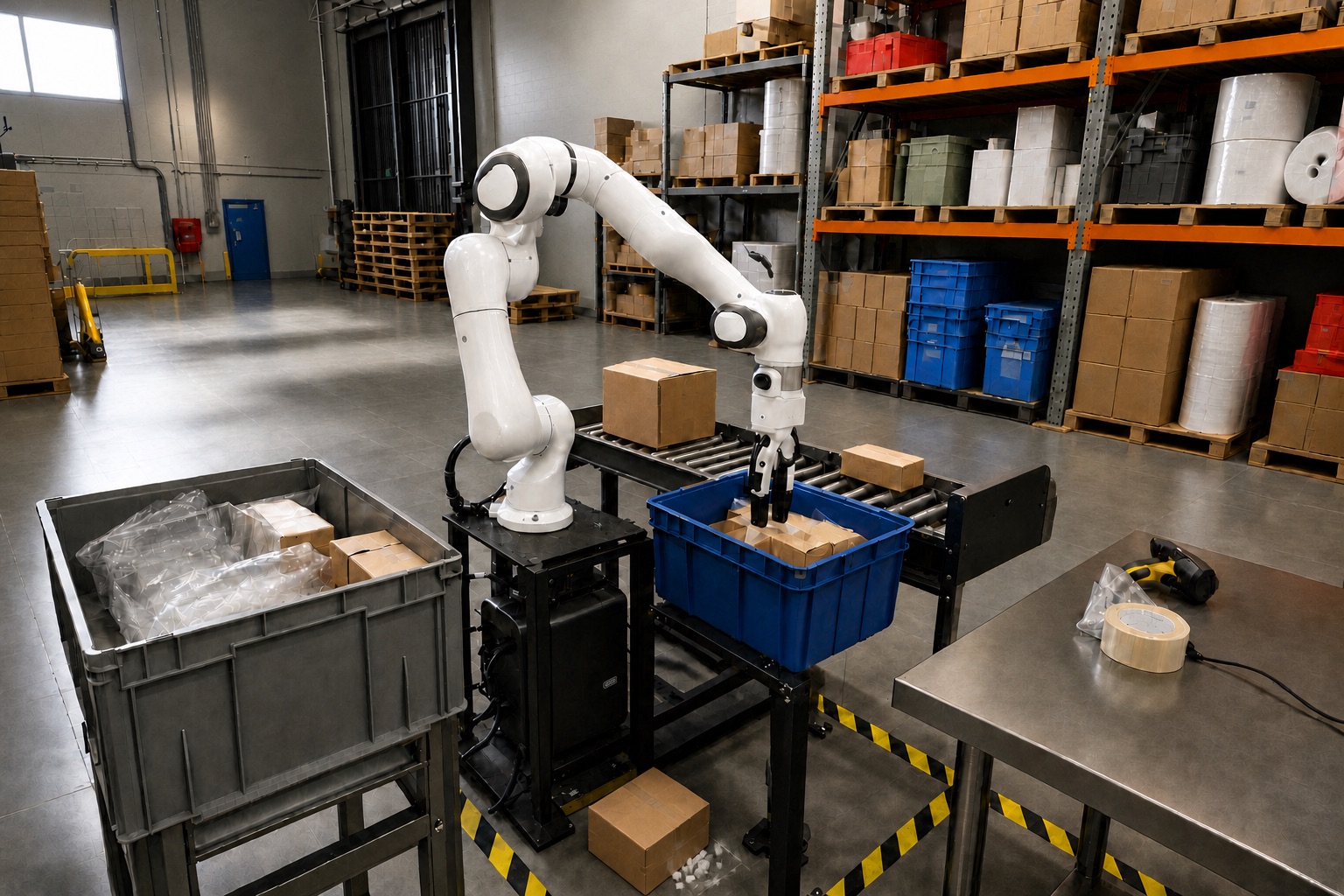 Robot camera added ·
 | Gripper retry, from your logs | pass · 24 / 24 |
| Person crossing the floor | fail · 3 / 24 |
| Forklift crossing behind | pass · 24 / 24 |
| Late-sun glare on the tote | fail · 11 / 24 |
| Box size never seen | pass · 22 / 24 |
| Carton dropped in the aisle | pass · 24 / 24 |
Any robot.
Any site.
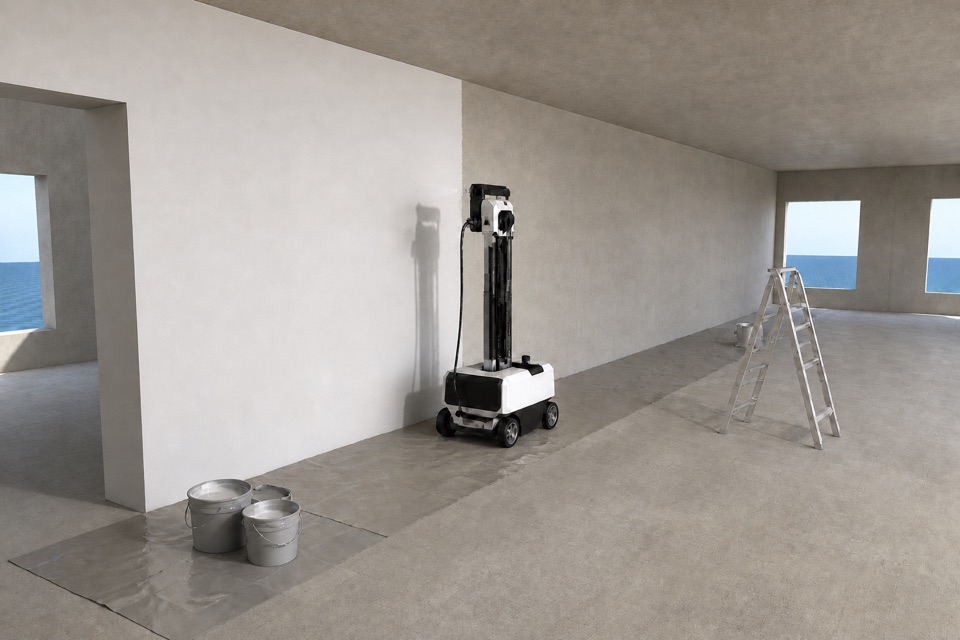
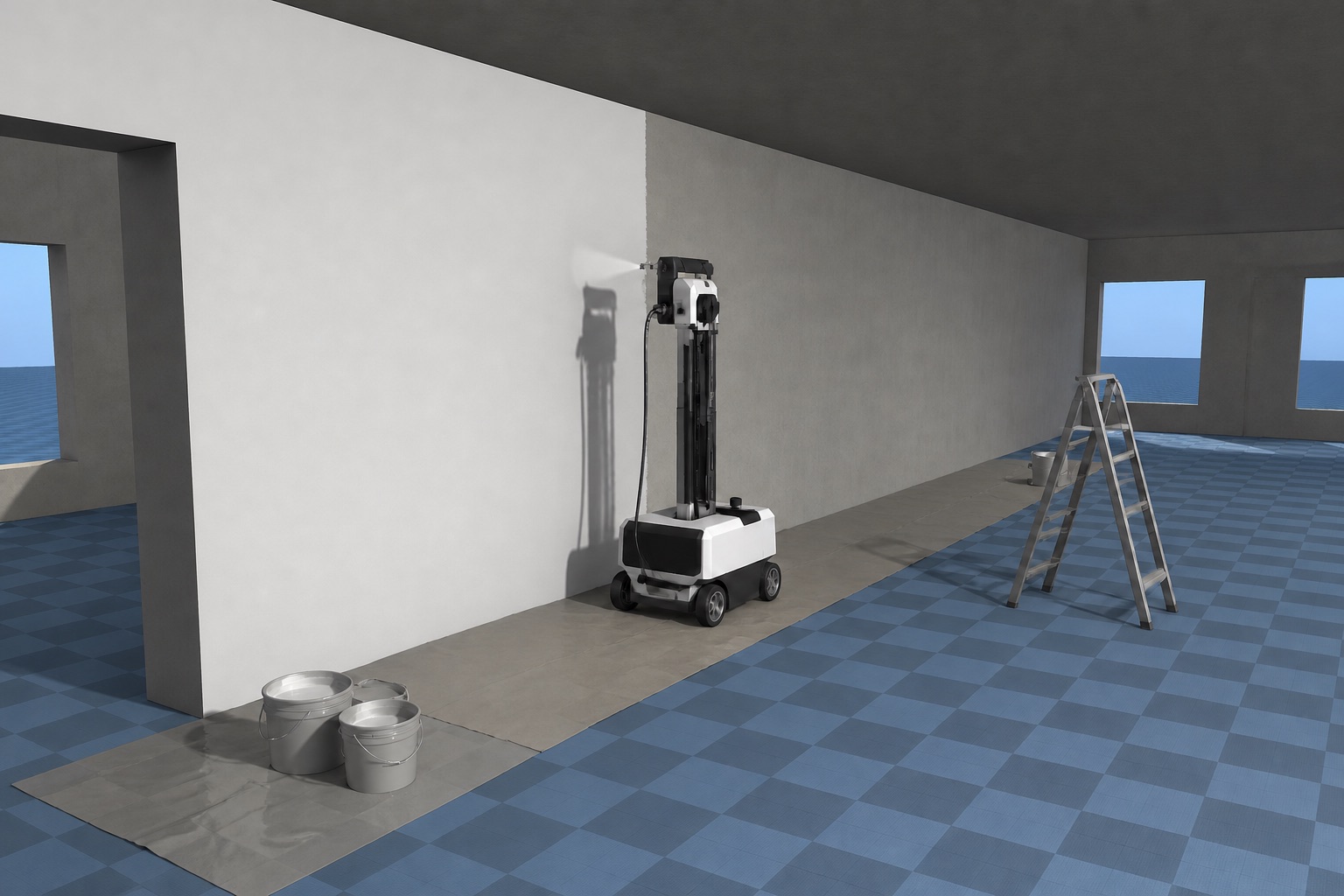
Sites change every day.
Re-scan with a phone and test on today’s floor, not last month’s plan.
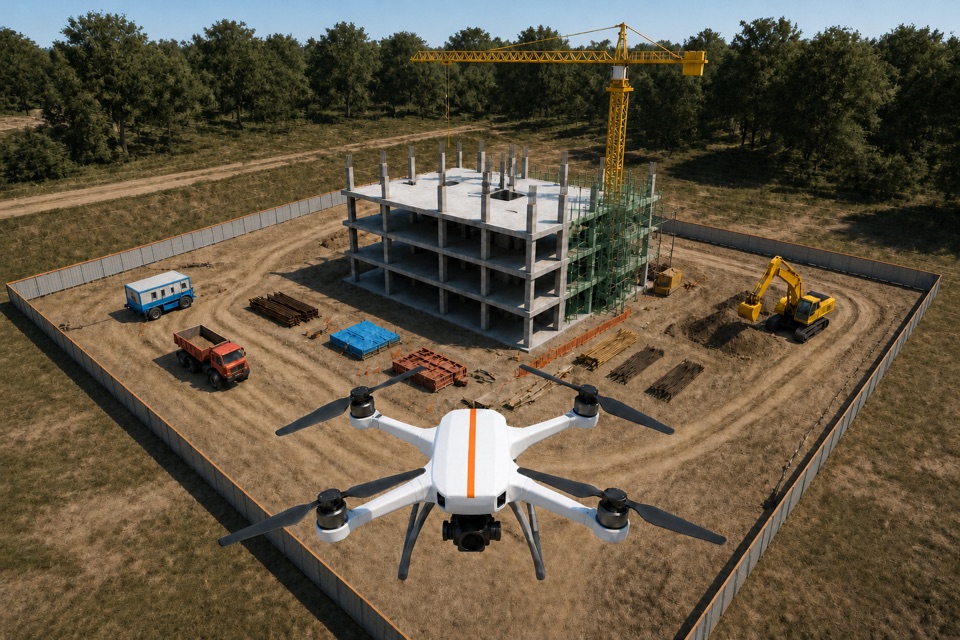
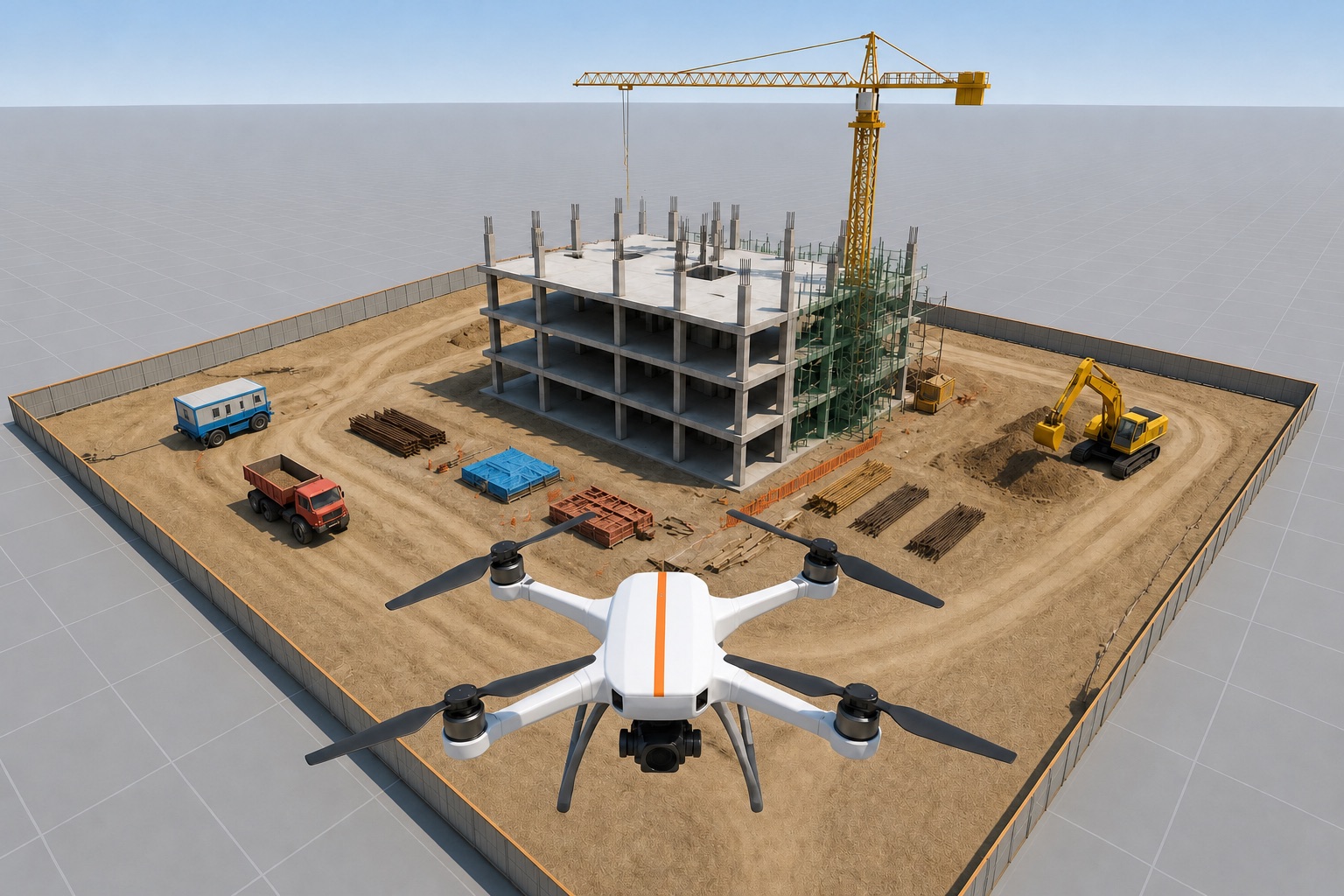
Fly the real site first.
Cranes, scaffolds and cables in sim before the first real flight.
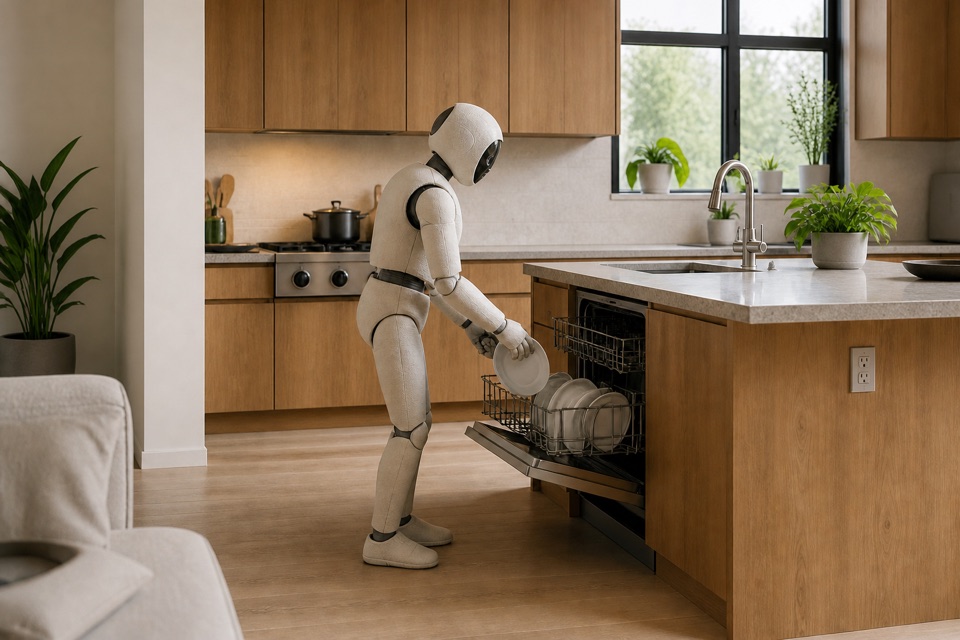
No two kitchens match.
Test in the kitchen you are deploying into, not a generic one.
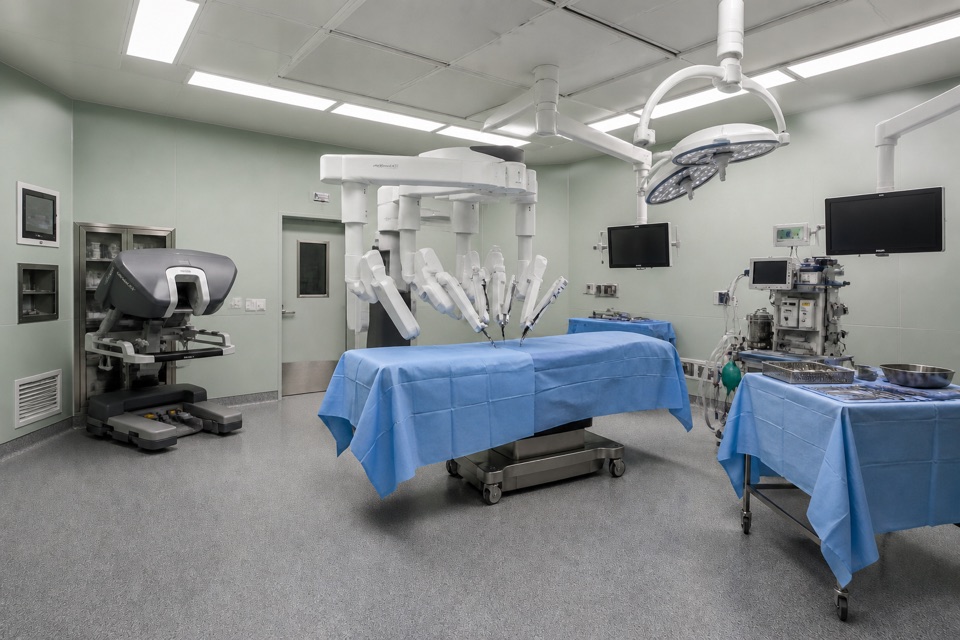
An OR can’t host test runs.
Rehearse every move in a twin of the real theatre.
In the simulator
you already use.
 Isaac Sim
 def Xform"tower_crane_01"( prepend apiSchemas = ["PhysicsCollisionAPI"] ) { double3 xformOp:translate = (-12.0, 21.5, 0)def Mesh"jib_collision"( prepend apiSchemas = ["PhysicsMeshCollisionAPI"] ) { uniform token physics:approximation ="convexDecomposition"} }# …every other asset on site